How to leave room for the clock on an AI phone wallpaper
See how GenFree’s two-moon example changes when it fills a taller phone screen. Then adjust the prompt to keep the clock area clear.
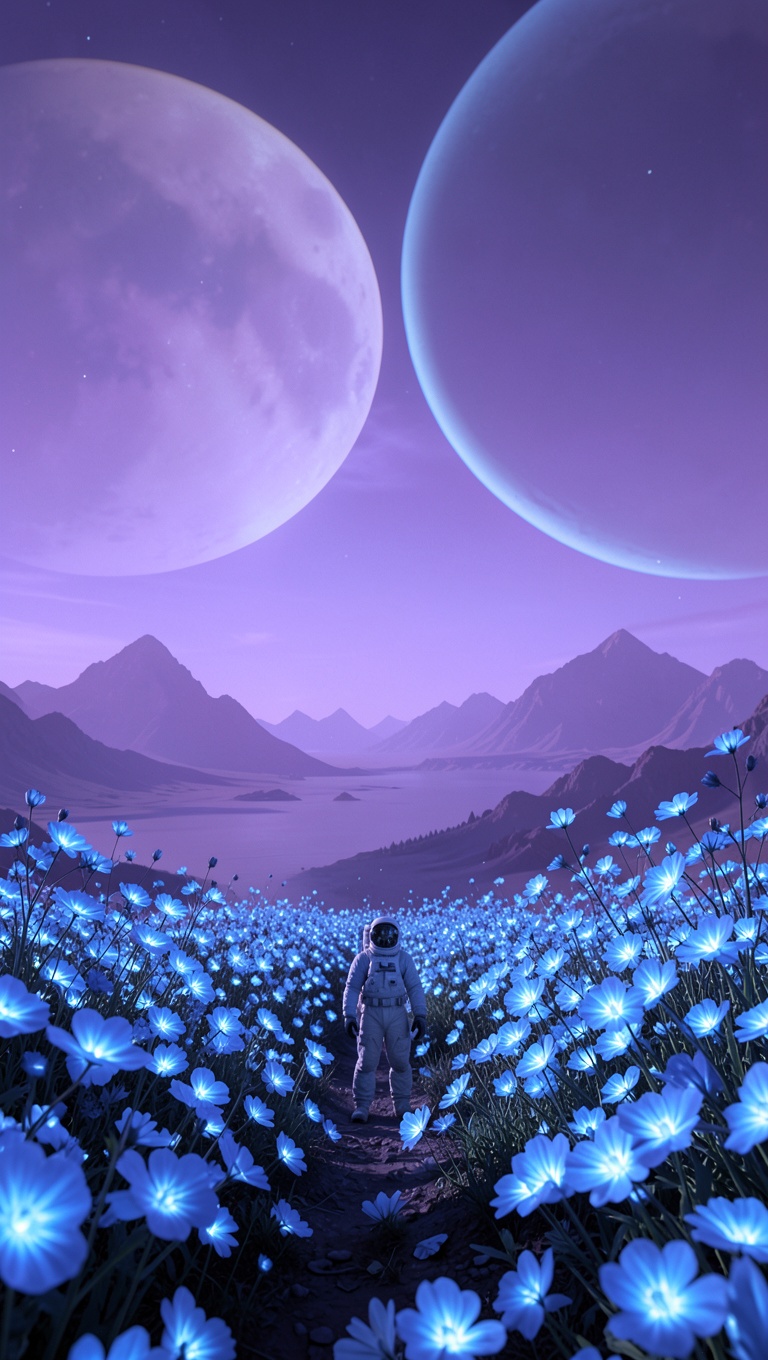
Original wallpaper
Original 768 × 1360 px · 9:16 selected
390 × 844 lock screen preview
This preview fills a 390 × 844 frame with a center crop. About 70 source pixels come off each side. The centered clock crosses the inner edges of the two moons, and the astronaut remains fully visible below.
Make space near the top
Keep “the astronaut small in the lower third.” Replace “two large moons in a violet sky” with “two small moons below the upper third, dark open sky across the top quarter.” Preview your result on the phone you use and check whether the clock blends into the sky and the astronaut survives the crop.
Choose 9:16 in GenFree. The original above came from an earlier FLUX.2 Klein generation through Lyceum. New 9:16 requests through Runware use 576 × 1024 px. Your phone may zoom, crop or position its clock differently.
Original prompt
A lone astronaut standing among luminous blue flowers on an alien planet, two large moons in a violet sky, distant mountains, cinematic science fiction concept art, the astronaut small in the lower third, vertical composition, no text.